Start with the room
Ceiling height, swing clearance, bay depth and screen width decide which components make sense.


Golf simulator systems
ElitePlay helps golfers plan a simulator around the room, budget and playing goals, from launch monitor and enclosure choices to hitting mats, projector options and custom package quotes.
Build the bay by part
This page keeps the products visible while guiding customers into the right package route. The goal is clarity: launch monitor, enclosure, mat, projector and quote support working together.
 Guided buildCustom golf package quoteStart here when the bay needs Trackman/Garmin/projector-style planning or private package guidance.
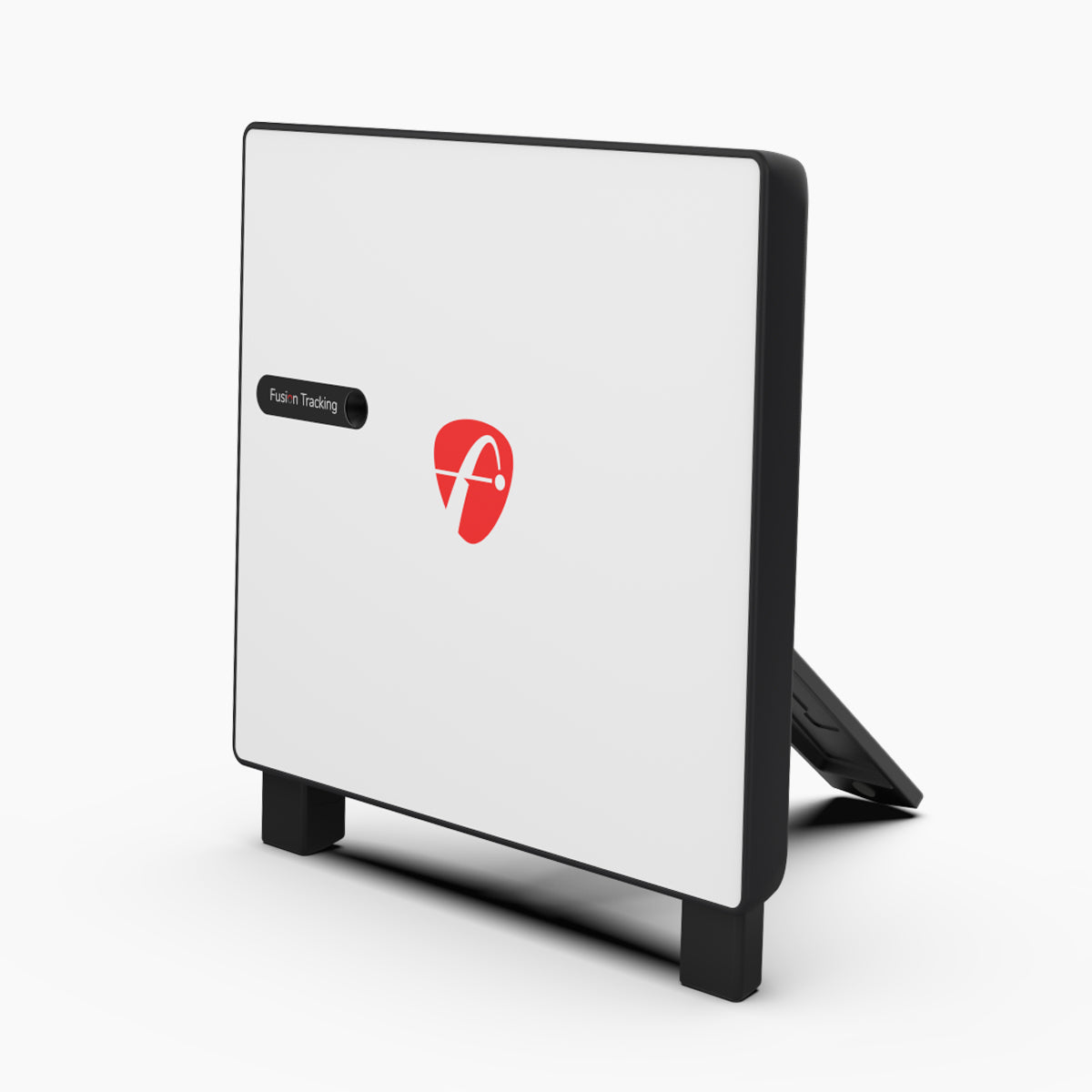
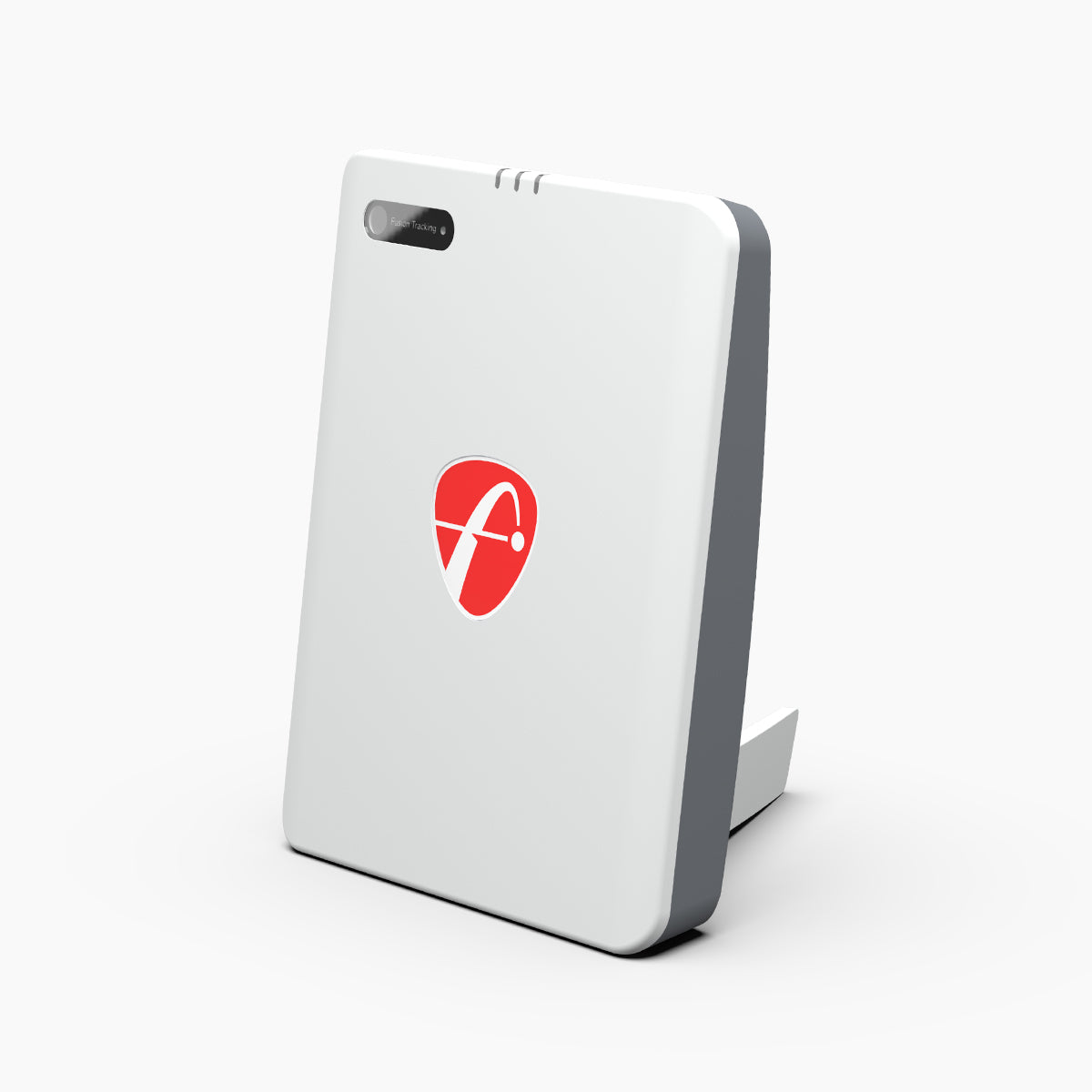
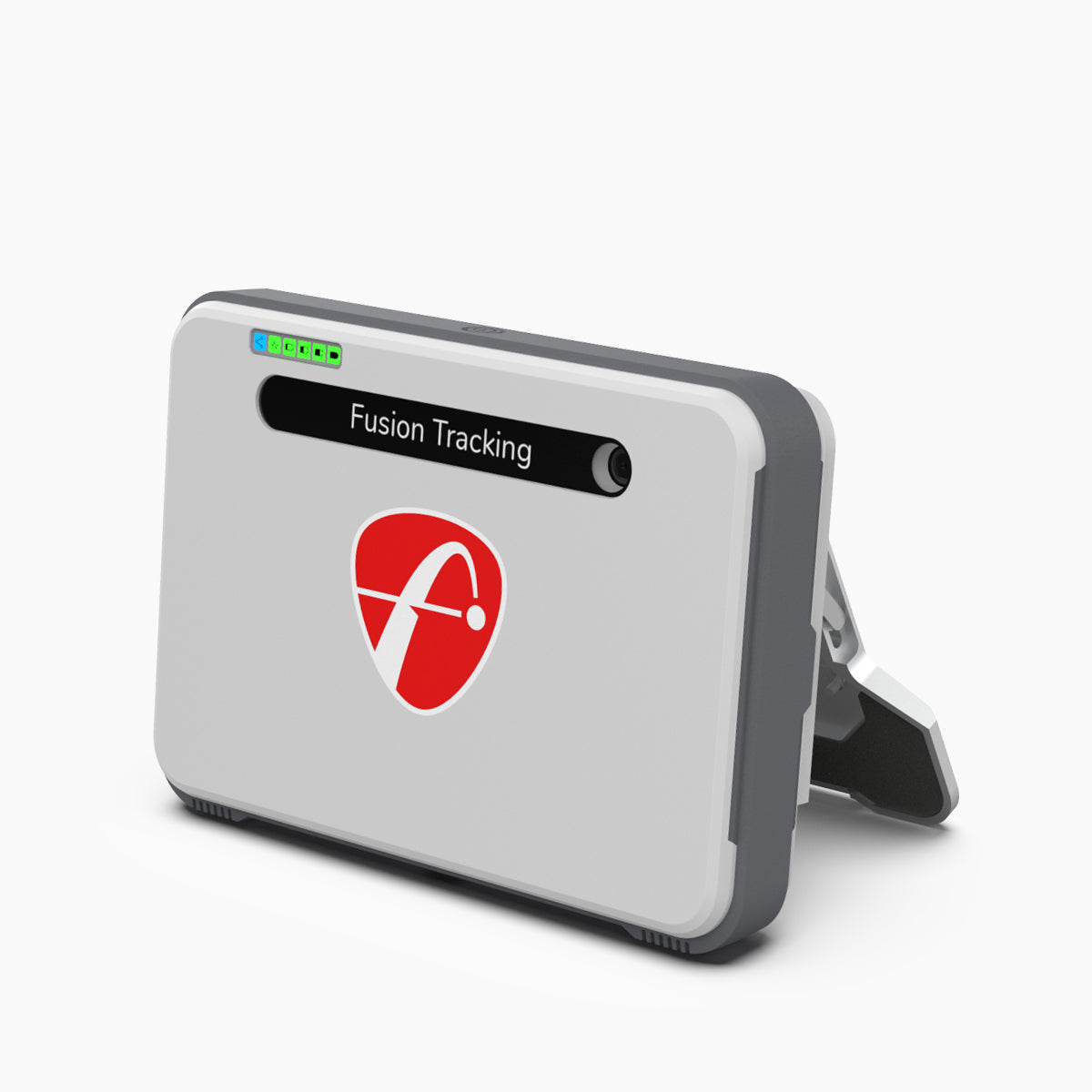
 DataLaunch monitorsCompare the core measurement hardware that anchors the simulator experience.
 BayPro and DIY enclosuresChoose the impact screen and enclosure route that fits the room and intended use.
 FinishMats and accessoriesComplete the bay with hitting mats, support parts and golf-specific add-ons.
 Golf bay planning
Consultative by design
Golf customers often need guidance before buying because the listed products are only part of the final setup. ElitePlay can help shape the package around the space, accuracy goals and budget.
Ceiling height, swing clearance, bay depth and screen width decide which components make sense.
Data needs, indoor/outdoor use and software expectations shape the recommendation.
The best setup is a matched bay, not a random mix of single products.
For Trackman, Garmin, projector bundles or private sourcing, the consultation route keeps expectations accurate.
Need a complete package?
For a full golf simulator plan, share the space, ceiling height, budget and preferred launch monitor direction so ElitePlay can quote the right package instead of forcing a generic answer.