Start with indoor space
Depth, ceiling height, mat position and screen distance determine which monitor types can work.

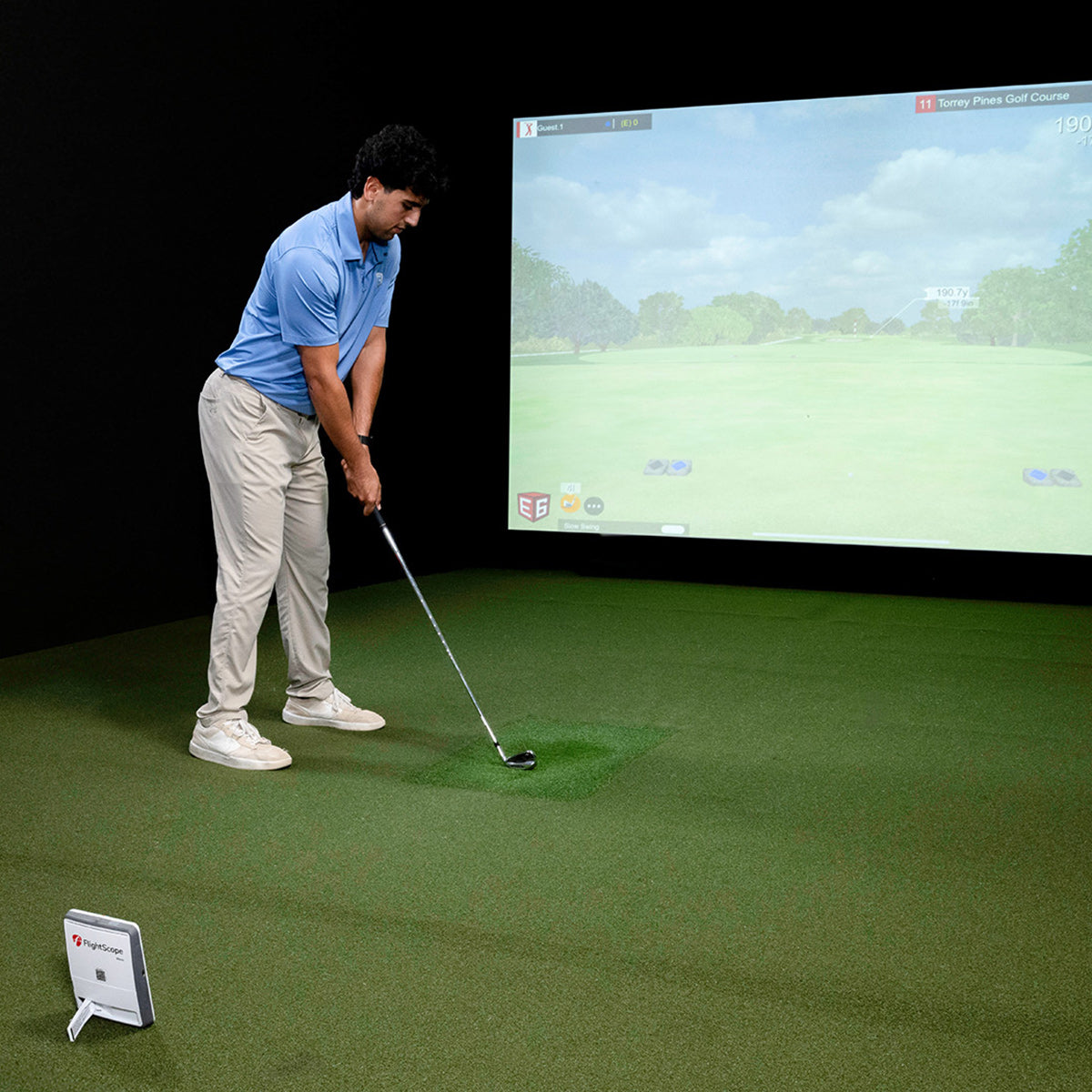
Launch monitors
The launch monitor is the measurement layer of the simulator. ElitePlay can help match indoor space, software goals and accuracy needs before the final package is quoted.
What to decide before buying
This collection is being used as a guided route for now. It explains what customers should consider and sends serious buyers into the golf consultation flow instead of showing an empty product grid.
 Indoor baysPlan around the roomUse the room depth, hitting area and screen plan to decide which monitor direction fits.
 AccuracyMatch the data needsPractice, coaching, simulation and fitting goals may need different data depth.
 Bay fitPair with an enclosureThe monitor should be chosen alongside the impact screen, mat and projector plan.
 Quote supportAsk for a guided packageUse the consultation route while specific launch monitor options are finalized.
 Monitor planning
Data, software and room fit
Customers need to know whether the monitor suits their indoor room, preferred software, accuracy expectations and final simulator package.
Depth, ceiling height, mat position and screen distance determine which monitor types can work.
Casual play, practice, coaching and commercial use each ask for different data and reliability.
Course play, practice tools and subscription requirements should be part of the buying decision.
A monitor should be matched to the enclosure, mat, screen, projector and installation route.
Need help choosing?
Share room dimensions, indoor or outdoor use, preferred software, budget and accuracy goals so ElitePlay can shape the right launch monitor direction as part of the full golf setup.